Inttegro SDK for iOS
Add Inttegro checkout to a SwiftUI or UIKit app with a native iOS payment sheet. The iOS SDK owns the customer-facing payment flow; your backend continues to own credentials and every decision about the order.
The iOS SDK is implemented and used by the React Native and Flutter bridges, but public Swift Package and CocoaPods distribution is not open yet. The current preview supports mobile money checkout; card payments and Apple Pay are not available.
Requirements
- iOS 16 or later
- SwiftUI or UIKit
- A backend endpoint that creates and finalizes an Inttegro order
The library is defined as the Inttegro Swift package and CocoaPod. Until
public distribution opens, use the
versioned source
to evaluate the preview.
Present the payment sheet
Give the SDK only the finalized Order ID returned by your backend. In SwiftUI, attach the payment sheet to the view that starts checkout:
let configuration = try PaymentSheetConfiguration(
    orderID: orderID,
    returnURL: URL(string: "merchant-app://inttegro-return")
)

checkoutView.inttegroPaymentSheet(
    isPresented: $isPaymentSheetPresented,
    configuration: configuration,
    onCompletion: handlePaymentResult
)
UIKit applications can create PaymentSheet with the same configuration and
call present(from:completion:). Both entry points retrieve the checkout,
present available payment methods, handle confirmation or provider
authorization, and return a completed, canceled, or failed result.
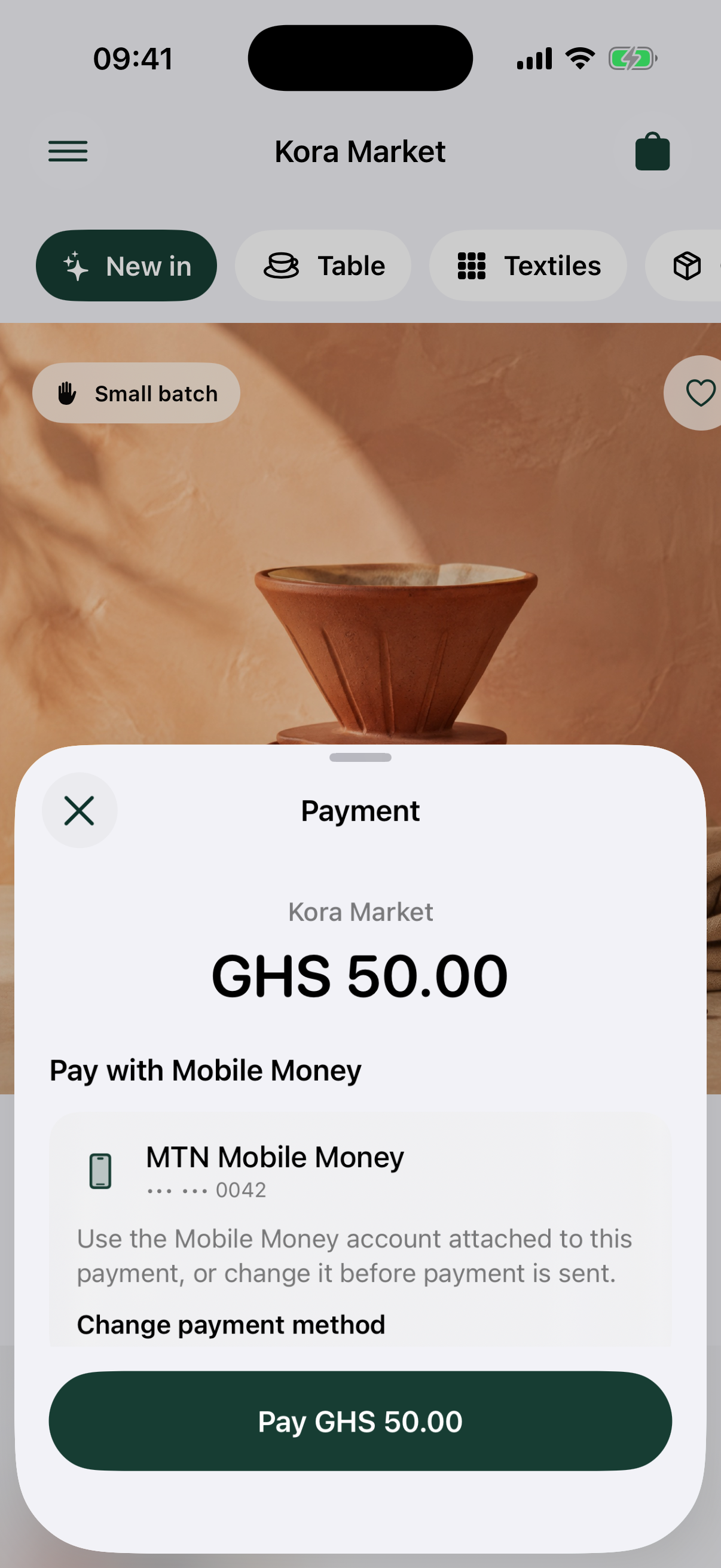
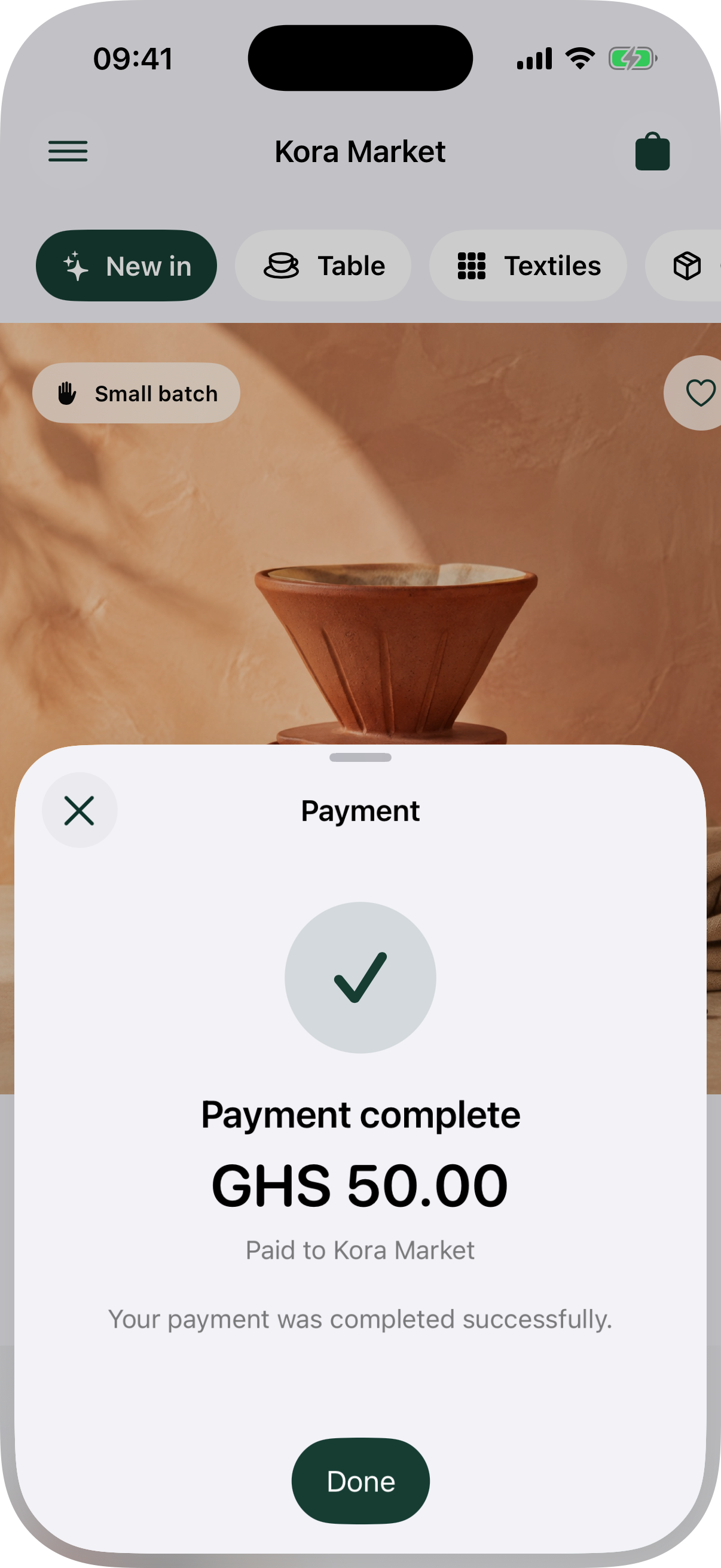
React Native and Flutter use these same native payment sheets instead of reimplementing checkout. The Android robot is reproduced from work created and shared by Google and used according to the Creative Commons 3.0 Attribution License.
A completed result is useful for immediate app feedback. Your backend must still read the order's current state or process its webhook before releasing goods or services.